menu
a4dvtm
clipsafe
Old-Time Music
Gamelan
New Music America 1986
'Zines of the 1980s
Taoist Farmer 道人
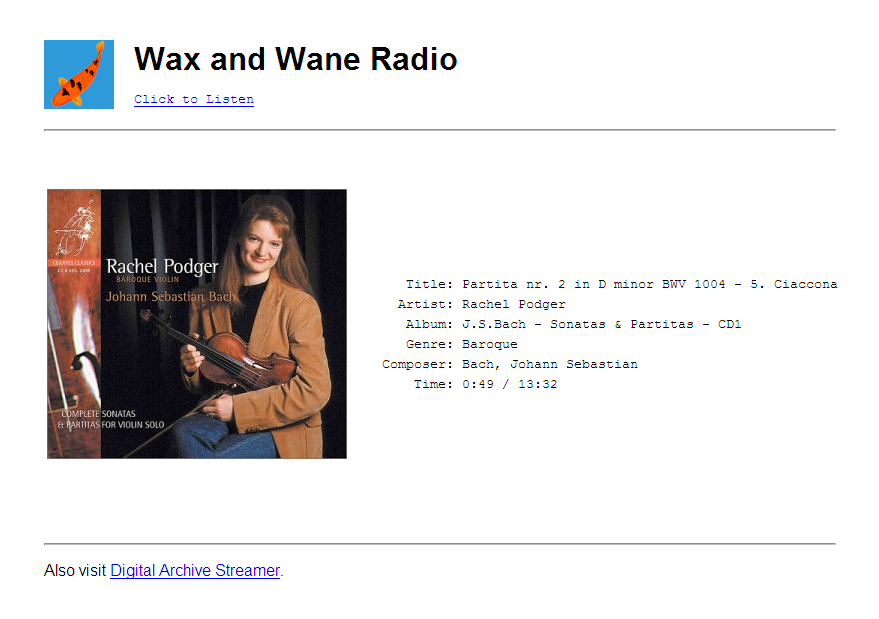
Note: I've stopped using gnump3d and replaced it with an MPD→Icecast setup using a highly customized MPDplayer as my visual front-end (screenshot).
I downsample everything to the Ogg
Vorbis format using the
FFmpeg utility. To do this, I first
add the following line to the end of the /etc/gnump3d/mime.types file. It
must be at the end so that it overrides any settings earlier in the file:
application/ogg ogg flac wav m4a mpc wma mp3
Here are my default downsampling commands. I've tested them with file types
ogg, flac, wav, m4a, mpc, wma, and mp3. (I need the -ac 2
option in there because I have several mono recordings and ffmpeg can
only encode Vorbis in stereo right now.)
    downsample_high    = ffmpeg -i $FILENAME -acodec vorbis -f ogg -ac 2 -ab 96k -
    downsample_medium  = ffmpeg -i $FILENAME -acodec vorbis -f ogg -ac 2 -ab 64k -
    downsample_low     = ffmpeg -i $FILENAME -acodec vorbis -f ogg -ac 2 -ar 22050 -ab 32k -
To simplify things, I made a patch so that you can include default
downsampling commands to your /etc/gnump3d/gnump3d.conf file (as shown
above). The code to do this is included in the patch below
(download)
This new feature allows you to add arbitrary text and HTML code from a file if it exists in the selected subdirectory. It is useful for including liner notes; photographs of front, back, and inner covers; photographs of CD, LP, and cassette label art; links to other websites; etc. You can implement this feature in a few easy steps.
/usr/bin/gnump3d2 file
    cd /usr/bin
    cp gnump3d2 gnump3d2.000
    patch < gnump3d-3.0-rpmohn.diff
$INFOTXT into your template's index.html file, usually somewhere between $BANNER and $PLAYLIST. Here is where I put it in the Tabular theme:
    ...
    $BANNER
    </p>
    $INFOTXT
    <PLAYLISTS>
    <table border="0" cellpadding="0" cellspacing="5" width="100%" bgcolor="#000000">
    <tr><td>
    ...
info.html. You can change this by adding a line in your gnump3d.conf file defining your desired file name:
infotxt_file = info.html
info.html file. It just displays the image stored in folder.jpg:
<div align="center"><img src="folder.jpg" alt=" "/></div>
This is a simple bug in the default gnump3d.conf file. The default file_format is missing a frontslash between /info and $PLAINLINK. It's included in the patch below (download) or you can just patch it by hand by searching for file_format in your gnump3d.conf file:
    file_format = <tr><td width="10%"> </td><td><a href="$LINK">$SONG_FORMAT</a></td>\
        <td align="right">[<a href="/info$PLAINLINK">Info</a>] [<a href="$PLAINLINK">Download</a>]</td></tr>
and adding the missing backslash:
    file_format = <tr><td width="10%"> </td><td><a href="$LINK">$SONG_FORMAT</a></td>\
        <td align="right">[<a href="/info/$PLAINLINK">Info</a>] [<a href="$PLAINLINK">Download</a>]</td></tr>